TL;DR
- An AI clipping channel turns long-form you own, like a podcast or stream, into vertical clips.
- It is a ready-made template that runs on naïve: an agent team cuts each clip and you approve what posts.
- The agents only cut from sources you name, and clips post to TikTok, YouTube, or Instagram.
- To start, sign up for a naïve account, then deploy the clipping channel template.
An AI clipping channel is a ready-made naïve template that cuts long-form you own into hook-first vertical clips.
An agent team running on naïve watches the sources you name, cuts the moments that carry, and captions them. Every clip waits for your approval.
Step one is a naïve account. Then you deploy the template and name your sources.

Gaming Clips

News Clips
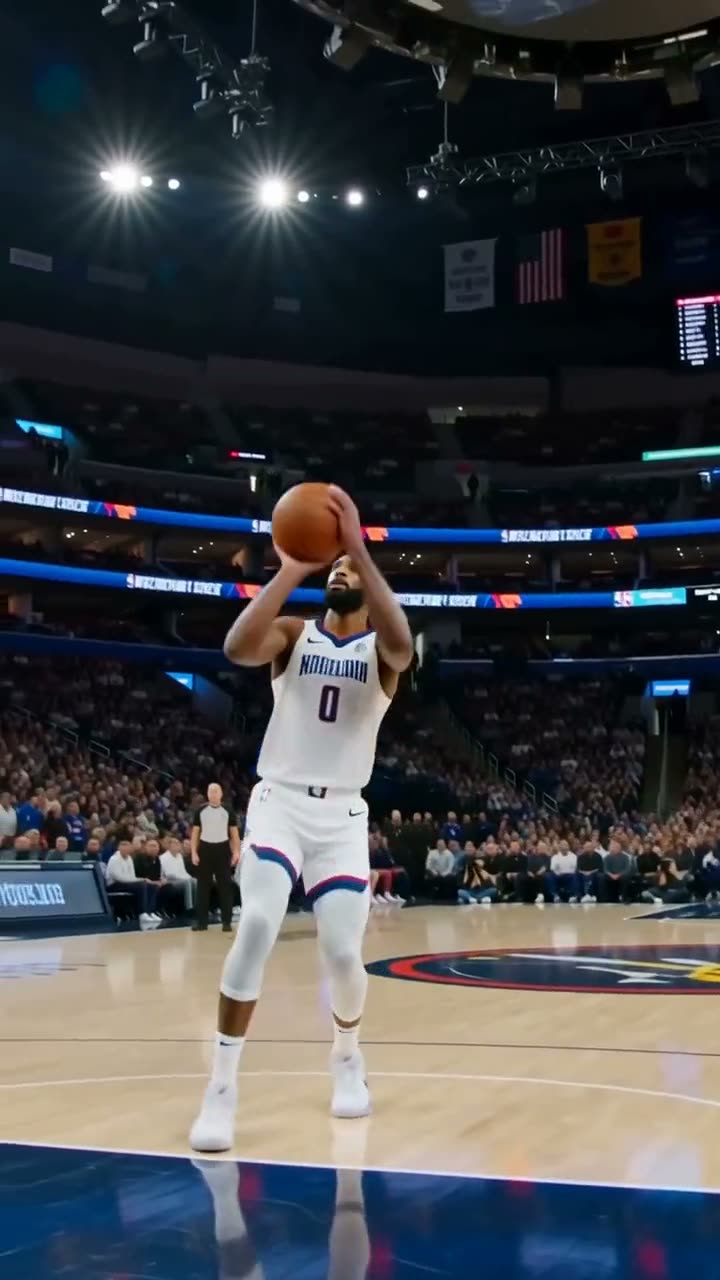
Sports Highlights

Podcast Clips

Talks
What is an AI clipping channel?
It is one ready-made company template, not a pile of editing tools you wire together. When you deploy it, naïve sets up — in a single step — a small team of AI agents, a dashboard to manage the clip queue, your connected posting accounts, and the budgets those agents run under. You point it at long-form you own; it hands you a steady stream of clips you still sign off on.
The base clipping setup takes long-form in and gives clips out. The per-niche channels are versions of this same setup, each with one extra skill pinned on:
- Gaming clips keeps the streamer's facecam in frame on the clutch plays and reactions.
- Sports highlights finds the clutch plays and cuts them vertical with the stakes on screen.
- Podcast clips pulls the stories, takes, and laughs with the speaker kept in frame.
Same agent team, same timers, same setup questions, same app — just a different lane.
What do you need before you start?
You do not need much. Three things make the first week go better:
- Sources you hold the rights to. A podcast feed, a stream archive, or a back catalogue you own or have permission to clip. This is the first thing setup asks.
- A sense of what carries. The one take, the one play, the one line worth a vertical — a channel with a point of view beats one that clips everything.
- A cadence you will actually approve at. A few good clips a day you review beats fifty a day you ignore.
How do you set it up?
Setup is a short interview, not a configuration screen. Here is the whole shape before you touch it:
01
Sign up for naïve
Create your naïve account at app.usenaive.ai. The template runs there.
02
Open the company
Start from the clipping channel. It already knows the job — long-form in, clips out — so you are pointing it, not teaching it.
03
Name your sources
The podcast, stream, or back catalogue you hold the rights to, plus the apps it posts on and the cadence. That is the brief.
04
Agents cut
On your schedule, they watch the named sources, cut a few hook-first verticals, reframe, and caption each one.
05
You approve
Each clip waits in a queue with its caption. Approving is the only way it posts.
1. Sign up for a naïve account
Create your account at app.usenaive.ai. The template deploys and runs on naïve.
2. Open the clipping channel
Deploy the template from its page. Because the setup already knows what a clip is, you are not explaining the format — you are telling it which long-form to work and where the clips go.
3. Name your sources, apps, and cadence
The team asks you three distinct things before it sets anything up. Answer them in order:
Sources
The podcast, stream, or back catalogue you own or have permission to clip. This is the first thing setup asks, and it is the one list the agents can never leave.
Apps
Which of TikTok, YouTube, and Instagram this channel posts on. The output is one vertical file, so choosing more apps is choosing where the same clip is queued, not more editing.
Cadence
How often you want clips to go out. A few a day you review beats a flood you ignore — the queue is only useful if you work it.
What kind of long-form is this channel cutting from?
The agents read this before every run, so naming the source lane sharpens what they watch and what they cut.
- Gaming streams — clutch plays, reactions, rage
- Podcast back catalogue — stories, takes, laughs
- Sports broadcasts — the game's loudest moments
- News & talks — the line worth a vertical
These answers are not thrown away after setup. They become the project context every agent reads at the start of every run, and you can edit them later. Add a source in week three and the next run watches it too.
4. Let the team work the catalogue
On the schedule you set, the timers fire and the team goes to work. Between runs nothing is running or billing compute. When a timer fires, the team:
- Watches the sources you named for new episodes and moments worth cutting.
- Cuts a few hook-first verticals — one idea each, fifteen to sixty seconds — not every moment a scorer liked.
- Captions each clip with a title and hashtags, and works the back catalogue, not just the newest upload.
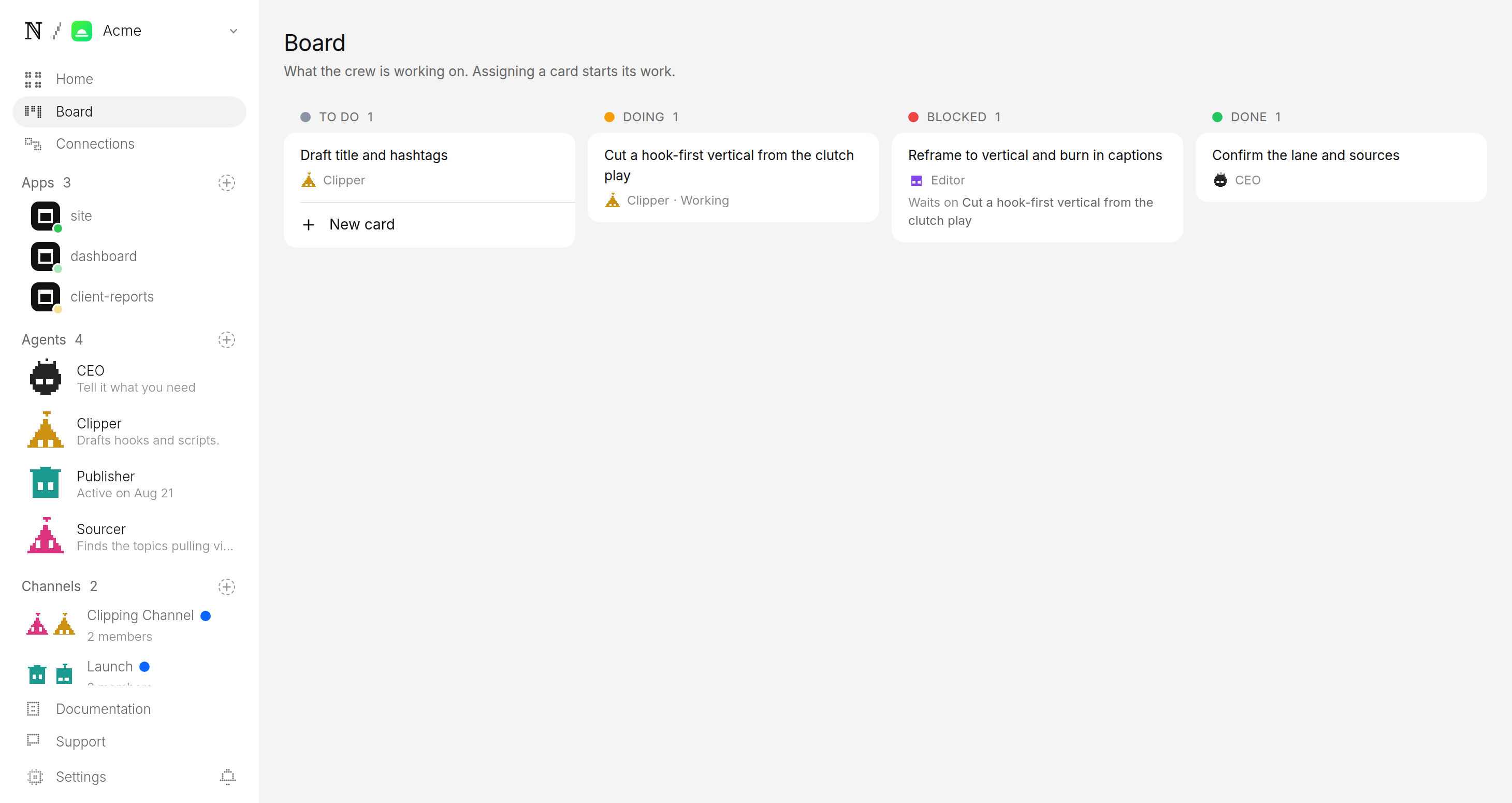
If the queue is already ahead of you, it makes nothing. The backlog is treated as a signal to stop, not a number to grow.
5. Approve before anything posts
Every finished clip is filed as a pending post, not a published one. It lands in a review queue with everything attached:
| In the queue | Spec | What you do |
|---|---|---|
| The clip, reframed and ready to play | 9:16 vertical, 15–60s, captions burned on | Watch it |
| The caption, title, and hashtags, drafted | Tuned per app for TikTok, YouTube, or Instagram | Edit if you want |
| Where and when it is set to go | Scheduled slot, visibility, destination accounts | Approve or hold |
Approving is the only path onto your accounts — there is no setting that lets a clip skip you.
Publisher wants to post to TikTok, Instagram and YouTube
- Caption
- The clutch play that broke the lobby. 🎮 #gaming #clips #clutch
- Goes out
- Tomorrow 4:22 PM ET
- Visibility
- Public
What keeps the channel in your control?
Three guarantees sit under everything the agents do, and all three are enforced by the platform rather than by the model's good behaviour:
- A source list it cannot leave. It clips only what you named. Anything else is refused.
- A budget it cannot raise. You set a daily cap per agent and a cap per task. Every cut is priced before it runs, and a batch that would exceed the cap stops instead of spending.
- A queue it cannot skip. The agents watch, cut, reframe, and caption all week, but the account is yours. The pending queue is the only door out, and approval is a person, every time.
Which lane should you pick?
Start broad on your own catalogue, or run a style built for your source. Gaming streamers want the gaming clips channel; a team or league wants sports highlights; a show wants podcast clips. All of them run on the same setup below.
Every style shares the approval, budget, and rights rules in this guide — see how human approval works for the mechanism underneath, or start with gaming clips if streams are your source.
FAQ
- Where does the footage come from?
- Only the sources you name at setup — a podcast, a stream, or a back catalogue you hold the rights to. A clip from anywhere else is a rights problem, so the agents stop instead of guessing. You never discover footage you did not authorize in the queue.
- How many clips does it make per source?
- A few vertical cuts per source, each one hook-first, one idea, fifteen to sixty seconds — not every moment a scorer liked. If the review queue is already ahead of you, the agents make nothing rather than piling up a backlog.
- Does it post on its own?
- It cuts and queues on the schedule you set; it never publishes on its own. Every clip is a pending post, and the approval queue is the only door onto an account. Approval is a person, every time.
- What does it cost to run?
- You set a daily cap per agent and a cap per task at setup. Every cut is priced before it runs, and a batch that would exceed the cap stops instead of spending, so the channel cannot surprise you on cost.