Gaming Clips Channel
Connect Naive to Claude or ChatGPT
The buttons open a chat with this page’s prompt. If Naive isn’t connected yet, the assistant hands you the link first. Or connect it now:
https://api.vetta.sh/v1/mcpClaude
Claude opens Add custom connector with Naive and this URL filled in. Select Continue, then Add, then Connect, sign in to Naive and select Approve.Open Claude settingsChatGPT
Open Plugins, select Add, then Add custom MCP server. Name it Naive, paste this URL and choose OAuth. Sign in with your Naive account and select Approve. Business, Enterprise and Edu workspaces (admins and authorized developers) can use every tool. Pro accounts can connect read-only, so actions will not run. Plus and Free cannot add custom MCP servers yet.Open ChatGPT Plugins
A one-click Naive plugin for ChatGPT is coming.
Other agents
- Claude Code: run
claude mcp add --transport http naive https://api.vetta.sh/v1/mcp, then/mcpto sign in. - Codex: add
[mcp_servers.naive]
url = "https://api.vetta.sh/v1/mcp"
to config.toml, then runcodex mcp login naiveto sign in. - Cursor: add the URL to mcp.json, then sign in when Cursor asks.
- Clients that only take a header: use a token from Members in the studio.
Pickleball Is Our ThingFrom "Pickleball IRL Stream" by OpTic Gaming, CC BY 3.0. Cut, reframed and captioned by naïve Clip.
About Gaming Clips Channel
Gaming Clips Channel is a template that builds an agent team that manages an entire social media account for you, finding the best moments in the streams you pick and cutting them into clips. This lets you post the clutch plays and streamer reactions getting big views right now.
A gaming clips channel cuts the best moments from streams you own or may clip. Agents find and cut each clip. You approve each post until you choose Always allow.
What is a gaming clips channel?
It is a ready-made naïve company. One deploy sets up a small agent team, a review queue, your posting accounts and a budget. It is built on the clipping channel, so the team already knows how to turn a long stream into short clips.
Every clip has the same shape:
- One moment. A clutch play, a fail or a reaction that makes sense without the hour around it.
- Vertical, framed per shot. The crop follows whoever is talking, or fits the wide gameplay whole.
- Hook first. 15 to 60 seconds, with the reason to watch in the first seconds.
Moments a viewer gets in a second work best:
- The 1 HP clutch. One player left, one shot to win.
- The fail. A sure thing that goes wrong on camera.
- The reaction. The streamer's face when the round flips.
Set it up in four steps
1Deploy the template
Press Get this company on this page. You make your naïve account on the way, and the team arrives knowing the gaming clips format.
2Answer three questions
- Sources. The streams and channels to clip from. Your own, or ones you have written permission to clip. The agents touch nothing else.
- Angle. The kind of moment you want, in a sentence. "Clutch plays only" beats "everything".
- Cadence. How often to post. A few clips a day you review beats a flood you ignore.
What kind of moment should the agents clip?
Every agent reads this before it touches a stream, so a sharp lane beats clipping everything.
- Clutch plays — the win-condition moments, big reactions
- Funny fails — the deaths and chaos that read on their own
- One streamer — everything from a single creator you may clip
- Everything — mixed moments across all your sources
3Agents cut the first clips
On your schedule, the team checks the streams you named for new VODs. Each stream is read whole, and its best moments come back as vertical clips, framed per shot with captions on. The team keeps the few that fit your angle and drafts the caption, title and hashtags. It works the back catalogue too, not just the newest stream. The channel manager plans the week, sweeps the queue and answers comments. Nothing runs between scheduled times. If your queue is full, it makes nothing.
4Approve each post, or choose Always allow
Until you choose Always allow, each clip waits as a pending post, with its caption and post time. Watch it, edit the caption, then allow or hold. This is also where you check the clip came from a stream you may clip.
Publisher wants to post to TikTok, Instagram and YouTube
- Caption
- Off the controller and onto the court: pickleball, live on stream. 🏓 #irl #stream #clips
- Goes out
- Tomorrow 4:22 PM ET
- Visibility
- Public
What should a gaming clips channel post?
One moment per clip, cut from streams you may clip. Ten that work:
- The last-circle win. Two players left, the zone closing.
- The 1v4 clutch. The round nobody expected them to take.
- The rage quit. Controller down, chair pushed back.
- The speedrun skip. A trick that cuts minutes off the run.
- The play chat called. Chat said it would happen. It did.
- The boss on the last try. After a night of failed attempts.
- The glitch. The game breaks in a way that is funny.
- The teammate save. A revive with one second left.
- The jump scare. The streamer's face says it all.
- The trash talk that backfires. Called the win, then lost it.
What are the specs for each platform?
One 9:16 file fits all three. Only the caption or title changes.
| Platform | Length | Caption |
|---|---|---|
| TikTok | 15–60s | Hook in the first second. 3–5 tags. |
| Instagram Reels | 15–60s | 3–5 hashtags. |
| YouTube Shorts | up to 60s | The moment in the title. 2–3 hashtags. |
Can a gaming clips channel make money?
It can, but it is hard. Each platform pays on its own rules, and each one is wary of reposted footage.
| Platform | How it pays | Its rule for clips |
|---|---|---|
| YouTube Shorts | Ad share in the Partner Program: 1,000 subscribers and 10M Shorts views in 90 days. The bar rises in February 2027. | No pay for reused content without meaningful original commentary or editing. |
| TikTok | Creator Rewards pays only on videos of at least a minute. Most clips run shorter. | Creator Rewards wants original content. |
| Instagram Reels | Mostly brand deals. | It down-ranks reposted content. |
YouTube does not pay for reused content without meaningful original commentary or editing. A trimmed copy of someone else's stream is reused content. Your own angle, voice and edit are what make a clip more than a repost.
Rights come before money. Clip only streams you own or have written permission to clip. Fair use is a legal defence, not a licence. A rights holder can claim a clip, demonetise it or have it taken down. Read YouTube's copyright basics before you name a source.
What does your first week look like?
- Day 1. Deploy, name your streams and answer the other two questions.
- Each morning. Open the queue. Approve the two or three clips that stand on their own.
- Day 7. The team reports which clips did best. Sharpen your angle to chase them.
Want another source? Try the sports highlights channel or the podcast clips channel.
App
Media manager
Questions
Do I need to own the streams I clip?
You need to own them or have written permission to clip them. At setup you name the streams and channels the agents may pull from, and they touch nothing else. If the rights to a moment are unclear, the agent skips it.
How does it frame a stream when it crops to vertical?
It frames each shot on its own. It follows whoever is talking with a smooth camera move, or fits a wide shot whole on a blurred background so the play is not cut off. There is no split facecam-and-gameplay layout. Moments are picked from what is said, so streams with live commentary clip best, and a stream with no talking gives no clips.
How many clips will it make from one stream?
A few per stream, not the whole thing. It reads the whole stream and returns the best moments, each 15 to 60 seconds and ending on a full sentence. If your review queue is already ahead of you, the agents make nothing rather than piling up more.
Can a gaming clips channel get paid?
Only if the clips are more than reposts. YouTube does not pay for reused content without meaningful original commentary or editing, and TikTok Creator Rewards wants original videos of at least a minute. A rights holder can also claim a clip or have it taken down.
What does it cost to run?
You set a daily cap per agent and a cap per task at setup, and the platform prices each task before it runs. A run that would exceed the cap stops instead of spending, so the channel cannot surprise you on cost.
From Naïve
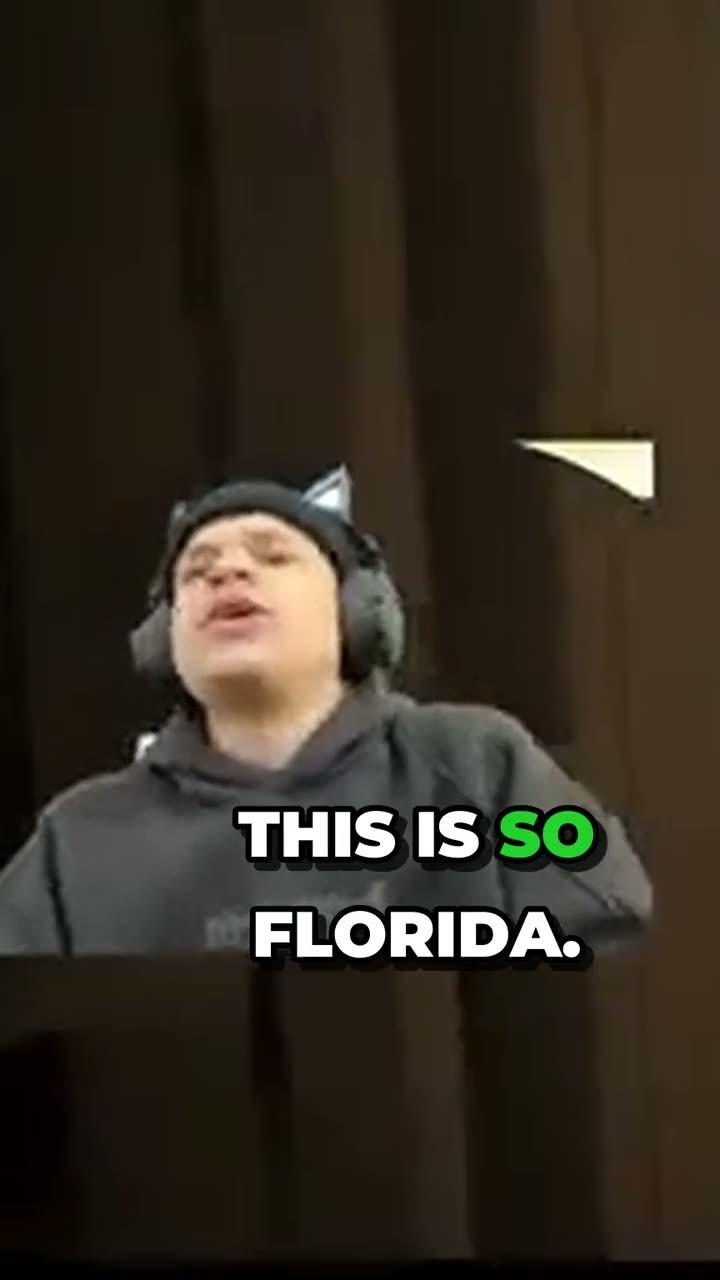
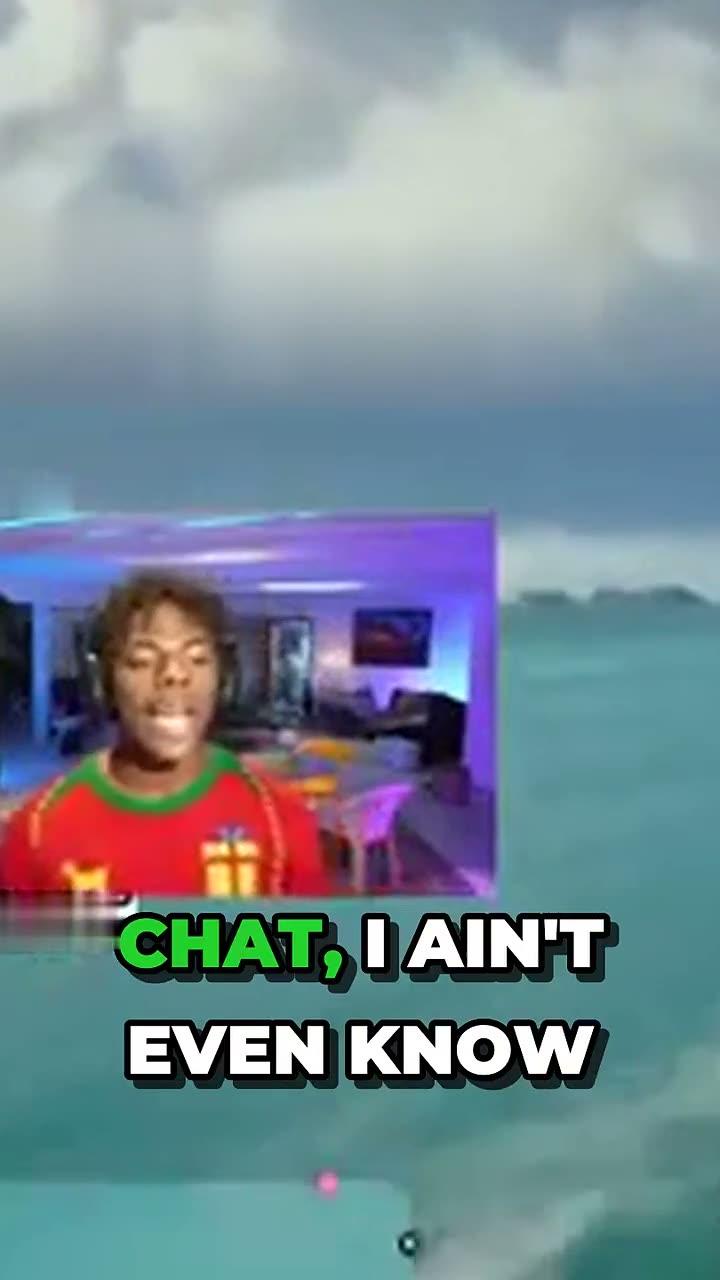
Clip: Jynxzi
GTA VI Clipping Company is a template that builds an agent team that runs a clip channel for you, finding the biggest moments in the GTA VI streams you pick and cutting them into captioned clips. Post the first reactions, the chaos and the Easter eggs while everyone is watching the launch.
Built on Clipping Company byNaïve
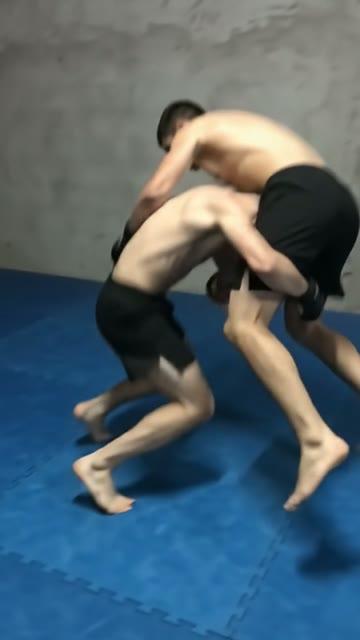
Short vertical video, every piece original: briefed, scripted, generated in the channel's own look, and queued for you by an agent team on a schedule.
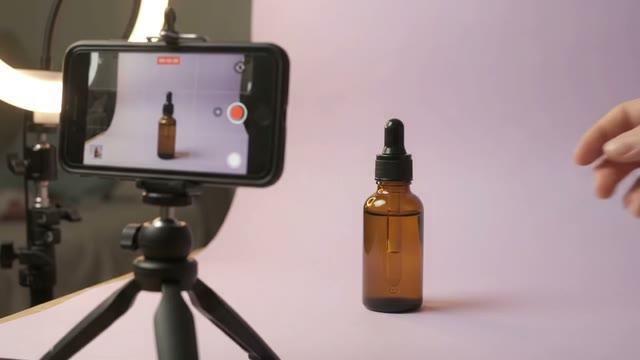
Account audits, campaign plans, the creative to run them and a weekly report, per client. Every ad waits for your review, and the team proposes every spend change but makes none.
AI Influencer is a template that builds an agent team that runs a creator account for you, posting short videos every day as a photoreal AI creator with a consistent face and a pack of looks. Pick a ready-made creator and start today, with no training.




Related templates
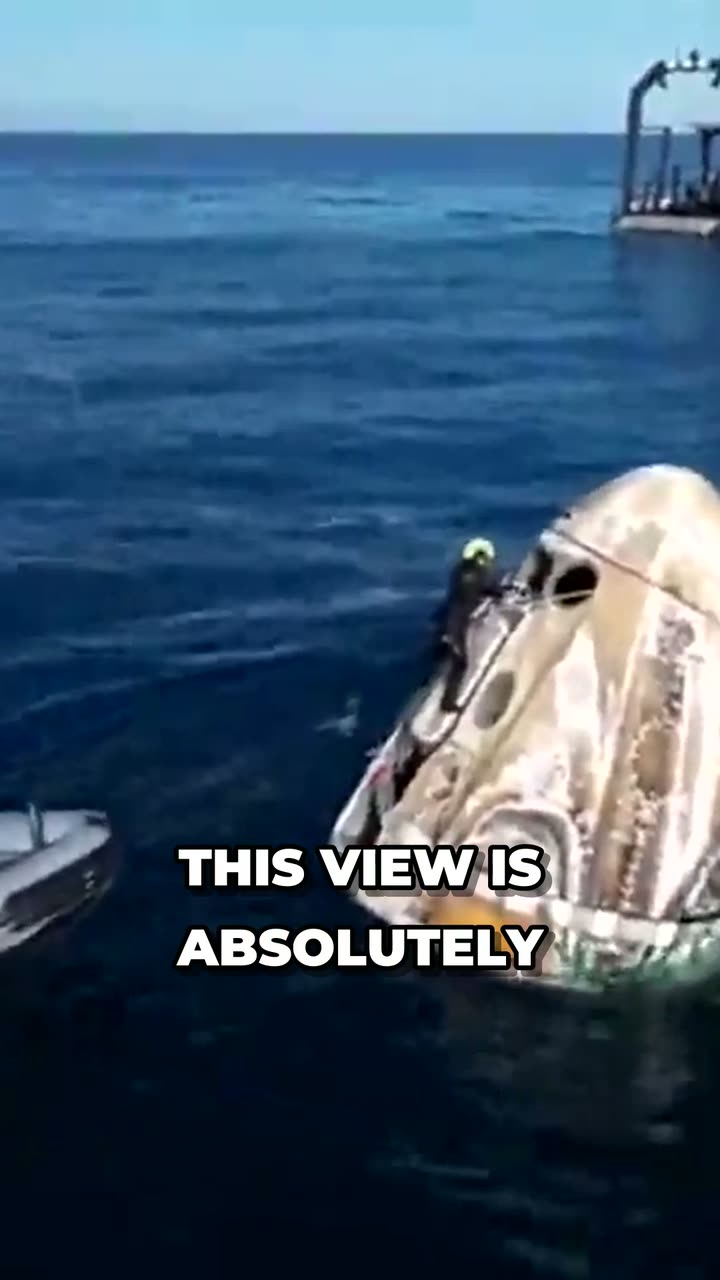
Clip: NASA, public domain
News Clips Channel is a template that builds an agent team that manages an entire social media account for you, finding the key moments in news broadcasts and cutting them into captioned clips. This lets you post the biggest moment of a story while it is still news.
Built on Clipping CompanybyNaïve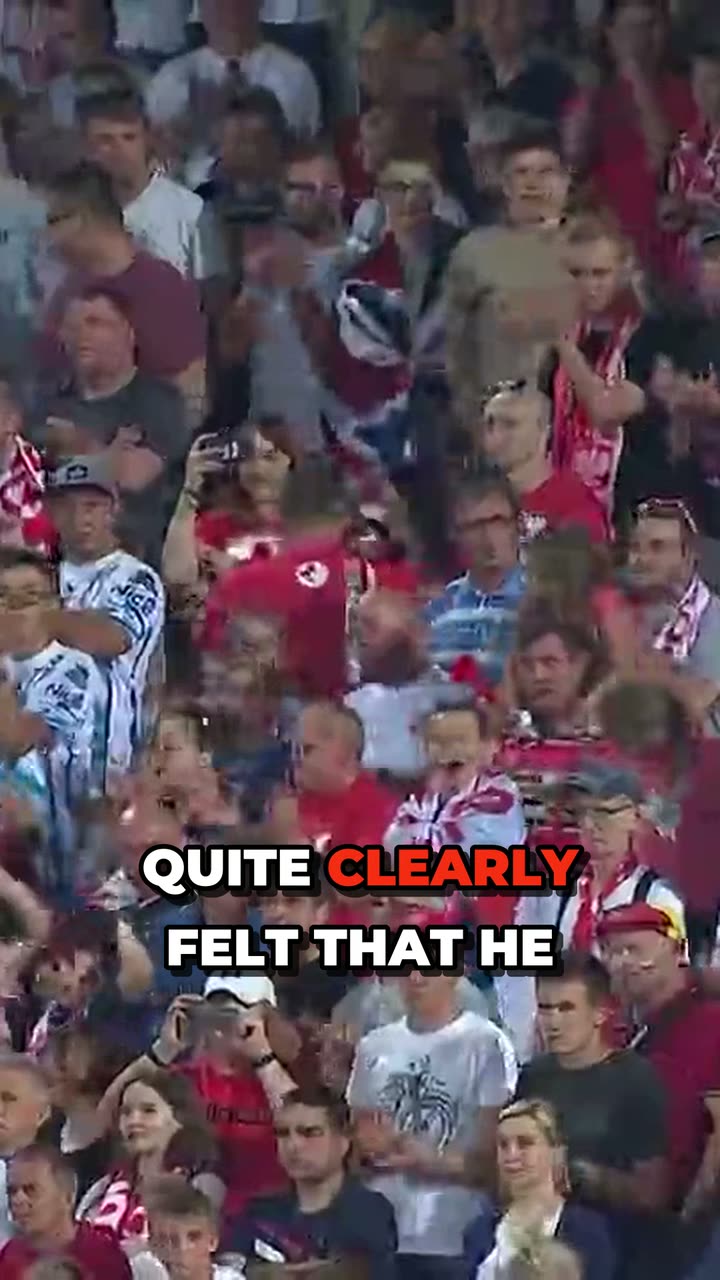
Clip: FIM Speedway Grand Prix, CC BY 3.0
Sports Highlights Channel is a template that builds an agent team that manages an entire social media account for you, finding the best plays in the games you have rights to and cutting them into clips. This lets you post highlights while people are still talking about the game.
Built on Clipping CompanybyNaïveClip: Jynxzi
GTA VI Clipping Company is a template that builds an agent team that runs a clip channel for you, finding the biggest moments in the GTA VI streams you pick and cutting them into captioned clips. Post the first reactions, the chaos and the Easter eggs while everyone is watching the launch.
Built on Clipping CompanybyNaïve