TL;DR
- A faceless video channel posts original generated vertical video in any niche, with no camera or studio.
- It is a ready-made template that runs on naïve: an agent team makes each post and you approve what goes out.
- It posts one vertical file to TikTok, YouTube, or Instagram, whichever you pick at setup.
- To start, sign up for a naïve account, then deploy the faceless channel template.
A faceless video channel is a ready-made naïve template: an agent team runs it on naïve, and you approve every post.
The agents make original vertical video for your niche, with no face, set, or camera. Each post waits in your queue until you approve it.
Step one is a naïve account. Then you deploy the template and pick a niche.
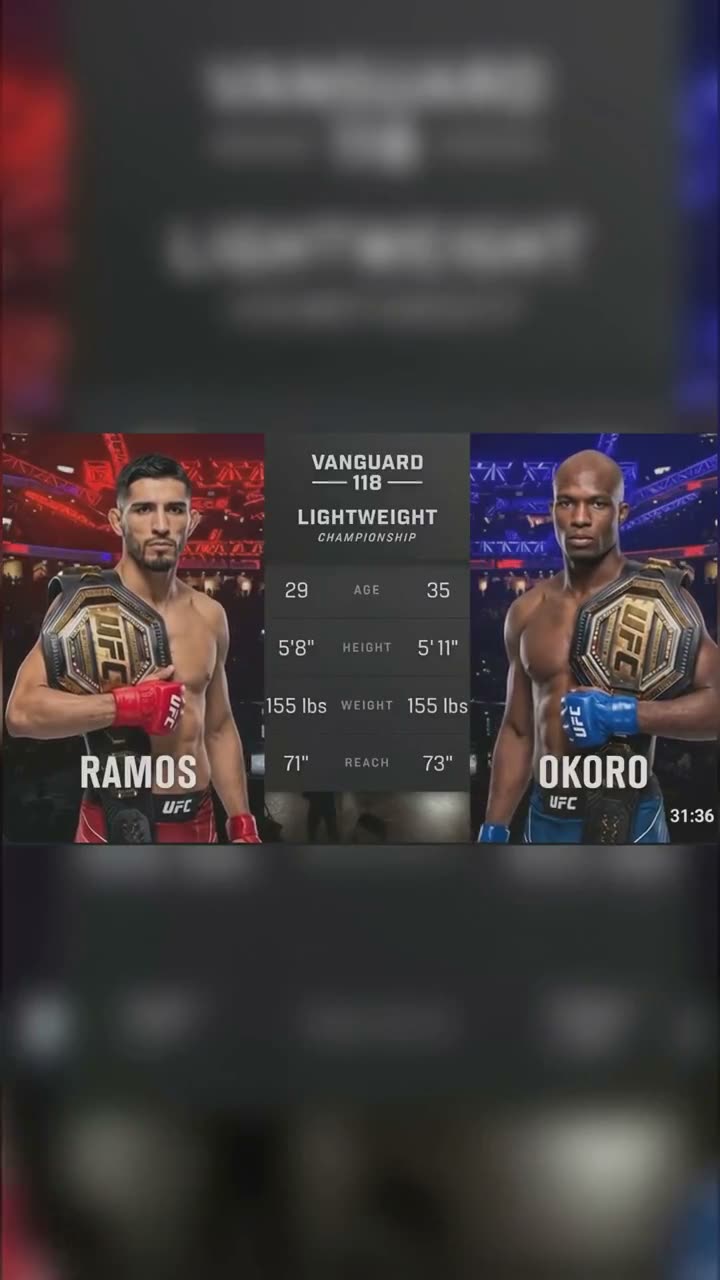
UFC Fights
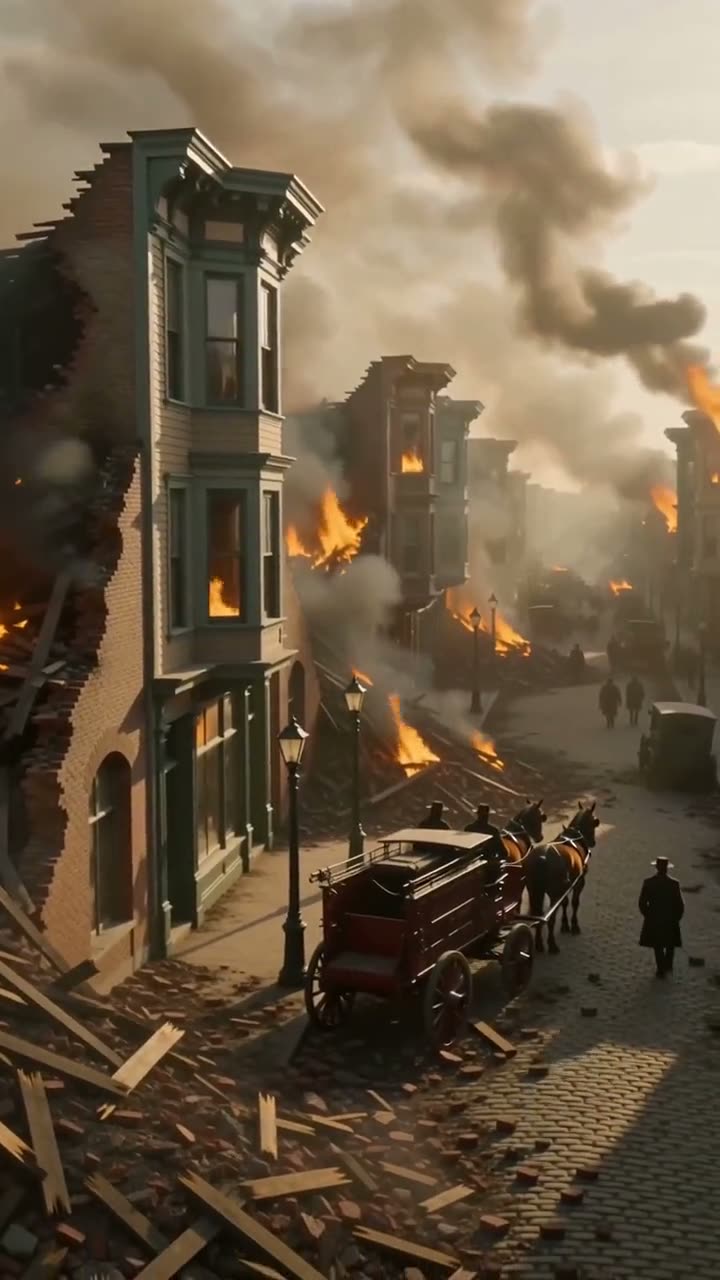
History in Color
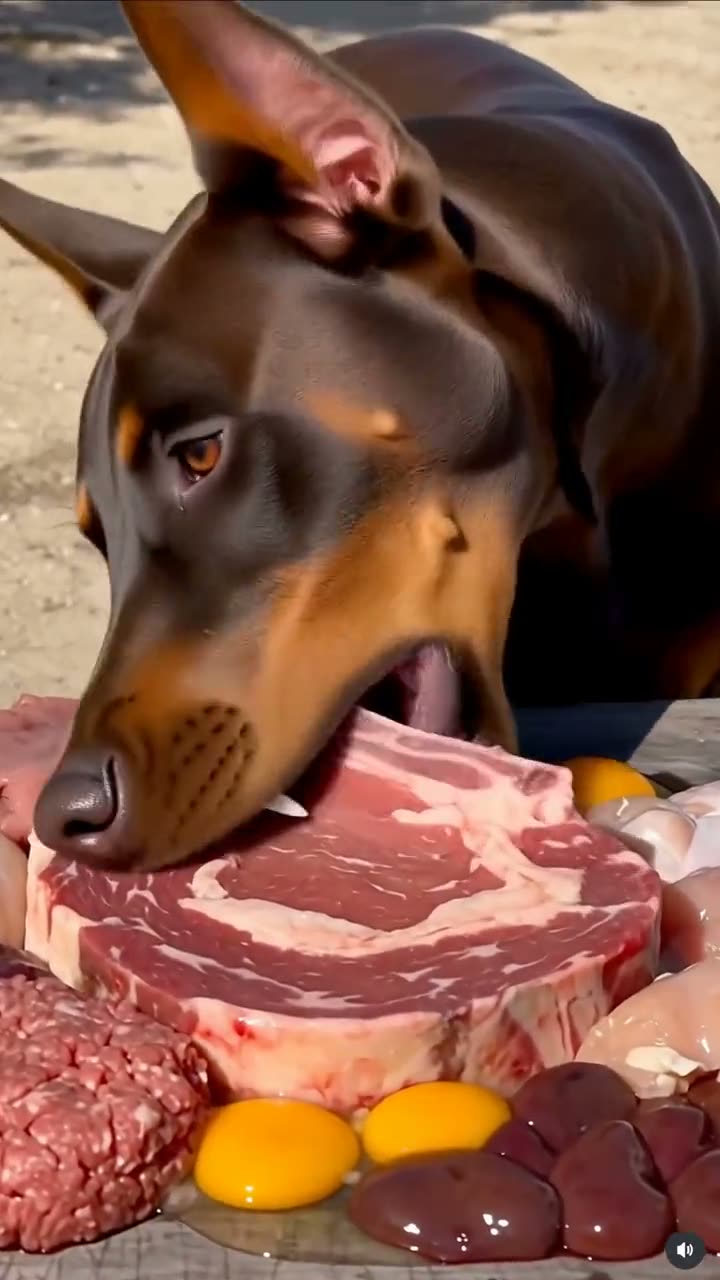
Animals Eating
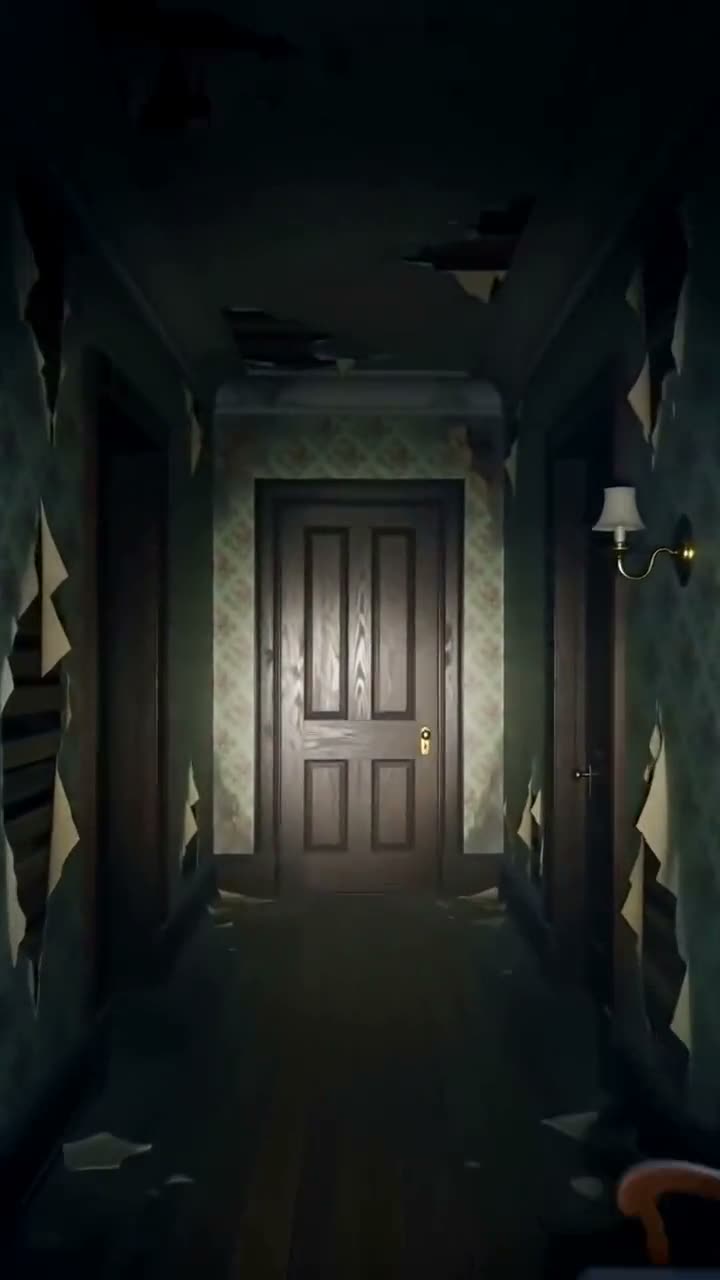
Scary Stories
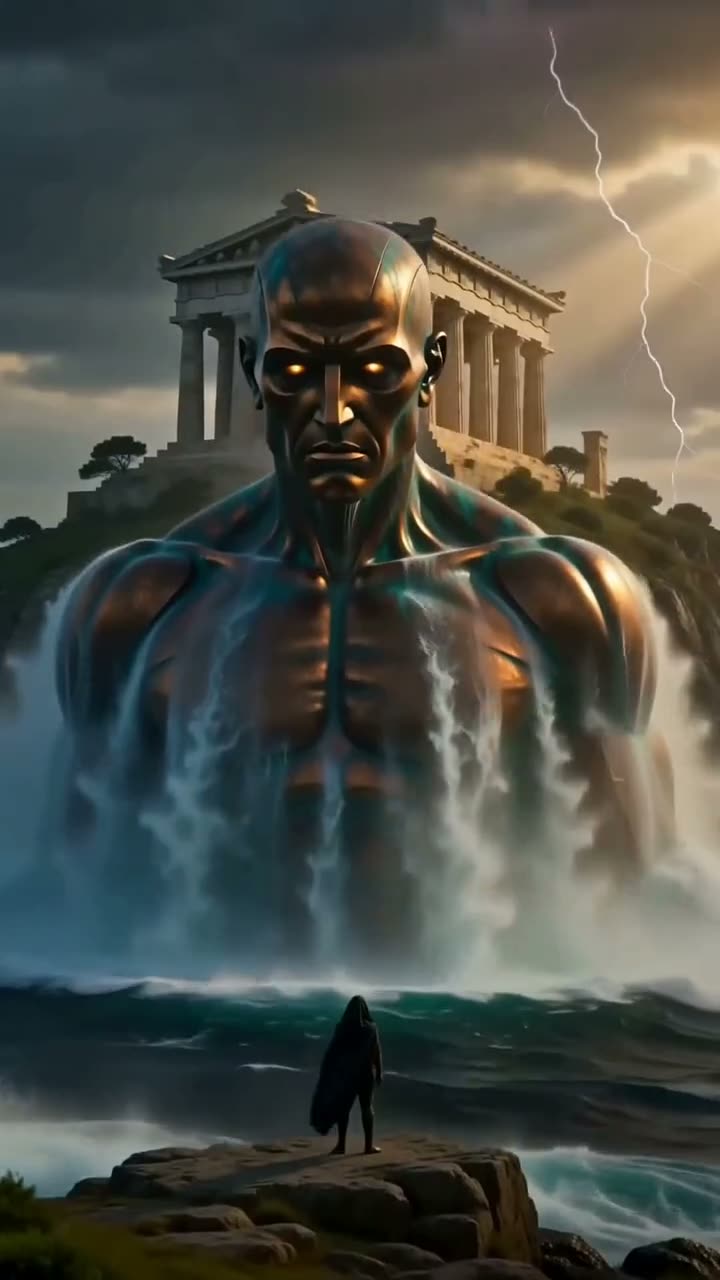
Myths
What is a faceless video channel?
It is one ready-made company template, not a stack of tools you wire together. When you deploy it, naïve sets up — in a single step — a small team of AI agents, a channel dashboard to manage the queue, your connected posting accounts, and the budgets those agents run under.
Every piece of content is generated original vertical video, built from two inputs:
- A brief — what this specific video is about, pulled from what is moving in your niche.
- A style template — a reference image and a prompt that lock the channel's look, so every post is recognisably yours without a studio behind it.
The niche is the only real variable. What changes between channels is the brief the agents research, the look its style template locks, and the pacing of each cut — the agent team, the schedule, and the approval queue stay the same.
How do you pick a niche?
A faceless channel with a point of view beats one that posts everything. Before you deploy, decide the lane you want to run in and one account whose look you admire. You are not copying its videos — you are giving the agents a target to model.
If you already know your niche, start from the guide written for it. Each one covers the angles, the pacing, and the rights questions specific to that style:
- AI UFC channel — generated fight videos: a card intro, the fight, a finish.
- AI history channel — major events colorized as if filmed today.
- animals eating channel — one healthy animal, a big feast, eating sounds.
A faceless niche is either a generate lane, where every video is built from a brief and a style template, or a clip lane, where the agents cut verticals from long-form you own. The lane changes the inputs and the format, not the underlying setup:
| Niche | Lane | Format | Typical cadence |
|---|---|---|---|
| UFC fights | Generate | Card intro, the fight, a finish | Daily |
| History in color | Generate | A major event, colorized as if filmed today | Daily |
| Animals eating | Generate | One animal, a big feast, sound on | Daily |
| Podcast or stream clips | Clip from your sources | Hook-first vertical cuts, one idea each | A few a day |
No matter which niche you land on, the rest of this guide is identical — the setup underneath does not change.
How do you set it up?
Setup is a short interview, not a configuration screen. Here is the whole shape before you touch it:
01
Sign up for naïve
Create your naïve account at app.usenaive.ai. The template runs there.
02
Deploy the template
Start the faceless short-form channel. In one step, naïve sets up the agent team, the channel dashboard, your posting accounts, and their budgets.
03
Answer four questions
The niche, the apps it posts on, a look to model, and the cadence. That is the entire brief.
04
Agents produce
On your schedule, they brief, generate, and caption each video in one consistent look.
05
You approve
Each finished piece waits in a queue with its caption. Approving is the only way it posts.
1. Name the niche
Give the channel its lane in a sentence — "heavyweight knockouts," "disasters before 1950," "big cats eating." This is the first thing the agents read, and it shapes every brief that follows.
Which niche should this channel run?
This is the first line every agent reads before a run, so a sharp lane beats a broad one.
- UFC fights — knockouts and title-fight stakes
- History in color — major events as if filmed today
- Animals eating — one animal, a big feast, sound on
- Scary stories — a cold open in sixty vertical seconds
2. Choose the apps it posts on
Pick any of TikTok, YouTube, and Instagram. The output is a single vertical file, so you are not re-cutting for each surface — you are choosing where the same video is queued.
3. Give it a look to model
Point to a channel or a video whose style you want. The agents model the look on it to build your style template; they do not lift its content.
4. Set the cadence
Decide how often you want to post. One a day that you actually review beats ten a day you ignore — the queue is only useful if you work it.
What does the agent team do each run?
The team works on a schedule you set. Between runs there is no agent loop burning money in the background — when a timer fires, the team wakes, does a small, limited batch of work, and goes back to sleep. On each run it:
- Briefs what is moving in your niche, so the work chases a real trend instead of a guess.
- Generates each video as original vertical content in your one look, built from the style template.
- Captions it in the channel's voice and files it as a pending post.
A single scheduled run might finish 3–5 videos before it stops — the exact number tracks your cadence and the budget it cannot exceed, not a fixed quota.
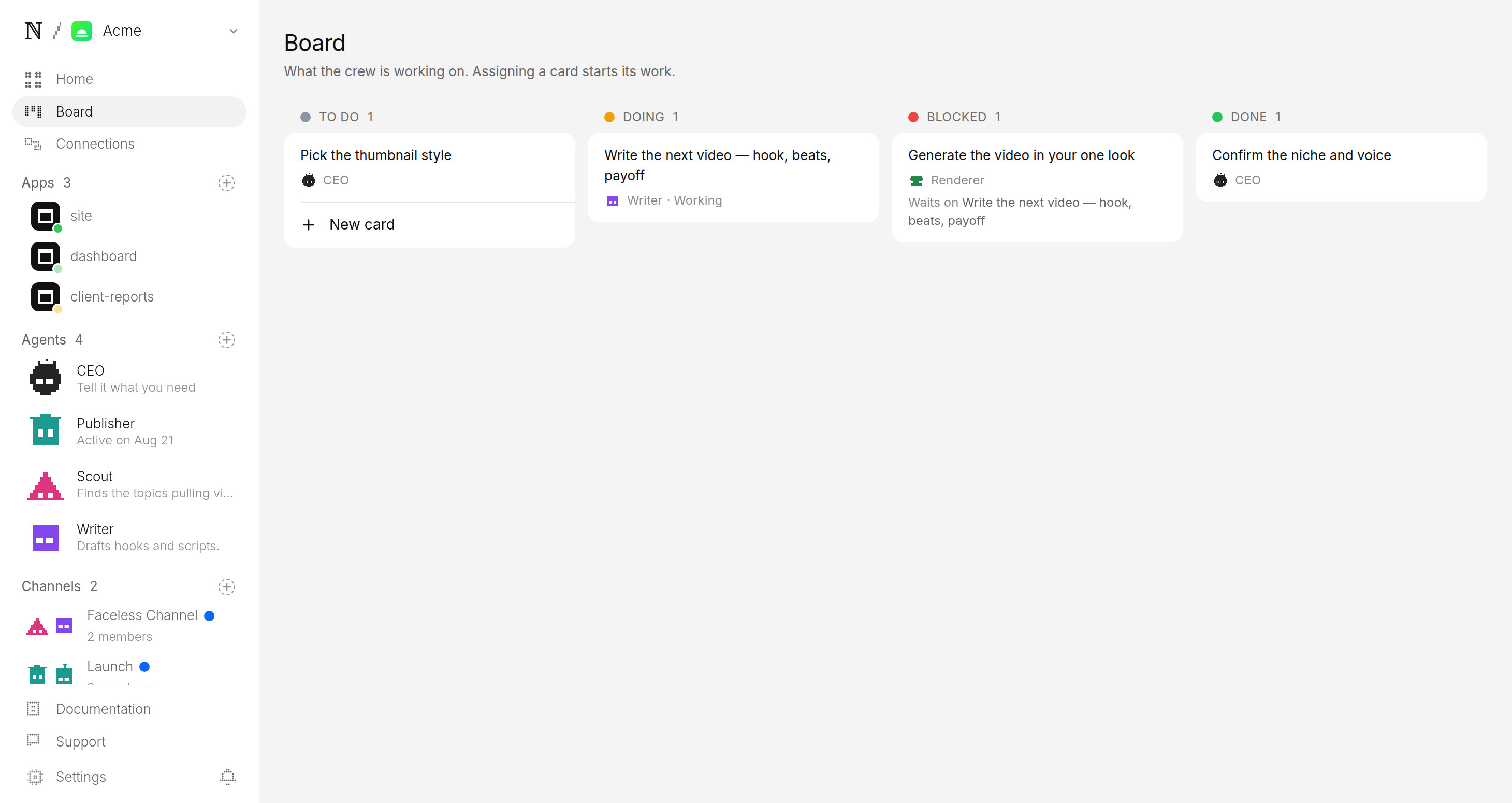
If the review queue is already ahead of you, the agents make nothing rather than piling up more. The backlog is treated as a signal to stop, not a number to grow.
How do approval and budget keep you in control?
Two guarantees sit under everything the agents do, and both are enforced by the platform, not by the model's good behaviour.
| Guarantee | What it means | Who enforces it |
|---|---|---|
| The approval queue | Every finished piece parks as a pending post. The queue is the only way onto an account. | The platform, at the approval boundary |
| A budget it cannot raise | A daily cap per agent and a cap per task. A run that would exceed it stops. | The platform, before each generation |
The queue is the step that matters most. Each pending post arrives with the video ready to play, the caption drafted, and where and when it is set to go. You watch it, edit the caption if you want, and approve or hold — and approving is the only path to TikTok, YouTube, or Instagram. There is no setting that lets a video skip you.
Publisher wants to post to TikTok, Instagram and YouTube
- Caption
- The walkout that stopped the arena cold. 🥊 #ufc #mma #knockout
- Goes out
- Tomorrow 4:22 PM ET
- Visibility
- Public
What does your first week look like?
A realistic first week is short. Sign up for naïve, deploy the template, answer the four questions, and let the first batch build on the next scheduled run. When it lands, open the queue, watch a handful of videos, and approve the two or three that are genuinely good. Repeat. By the end of the week you will have a feel for which angles land, and you can tune the setup answers to chase them.
Ready to pick a lane? Start from the AI UFC channel or the AI history channel for a niche-specific walkthrough, or read how human approval works for the mechanism that sits under every channel above.
FAQ
- Do I need a camera or a studio to run a faceless video channel?
- No. Every piece is generated from a written brief and a style template — a reference image and a prompt — so there is nothing to film and no set to build. The style template is what keeps one consistent look across the whole channel.
- Which niches can I run?
- Any niche you can name. Setup asks for the niche and a channel or video to model the look on, and the agents work from that. UFC fights, colorized history, animals eating, scary stories, and myths are all styles of the same faceless short-form channel.
- Where does it post, and does it publish on its own?
- It posts to TikTok, YouTube, and Instagram — setup asks which ones this channel uses. It works on the schedule you set but never publishes on its own: every finished piece is a pending post, and nothing reaches an account without you.
- How do I keep it inside a budget?
- You set a daily cap per agent and a cap per task at setup, and the platform prices every generation before it runs. A batch that would exceed the cap stops instead of spending, so the channel cannot surprise you on cost.